THICK CLIENT & DESKTOP
Replaces UiPath · SikuliX · UFTGive legacy applications a modern test workflow.
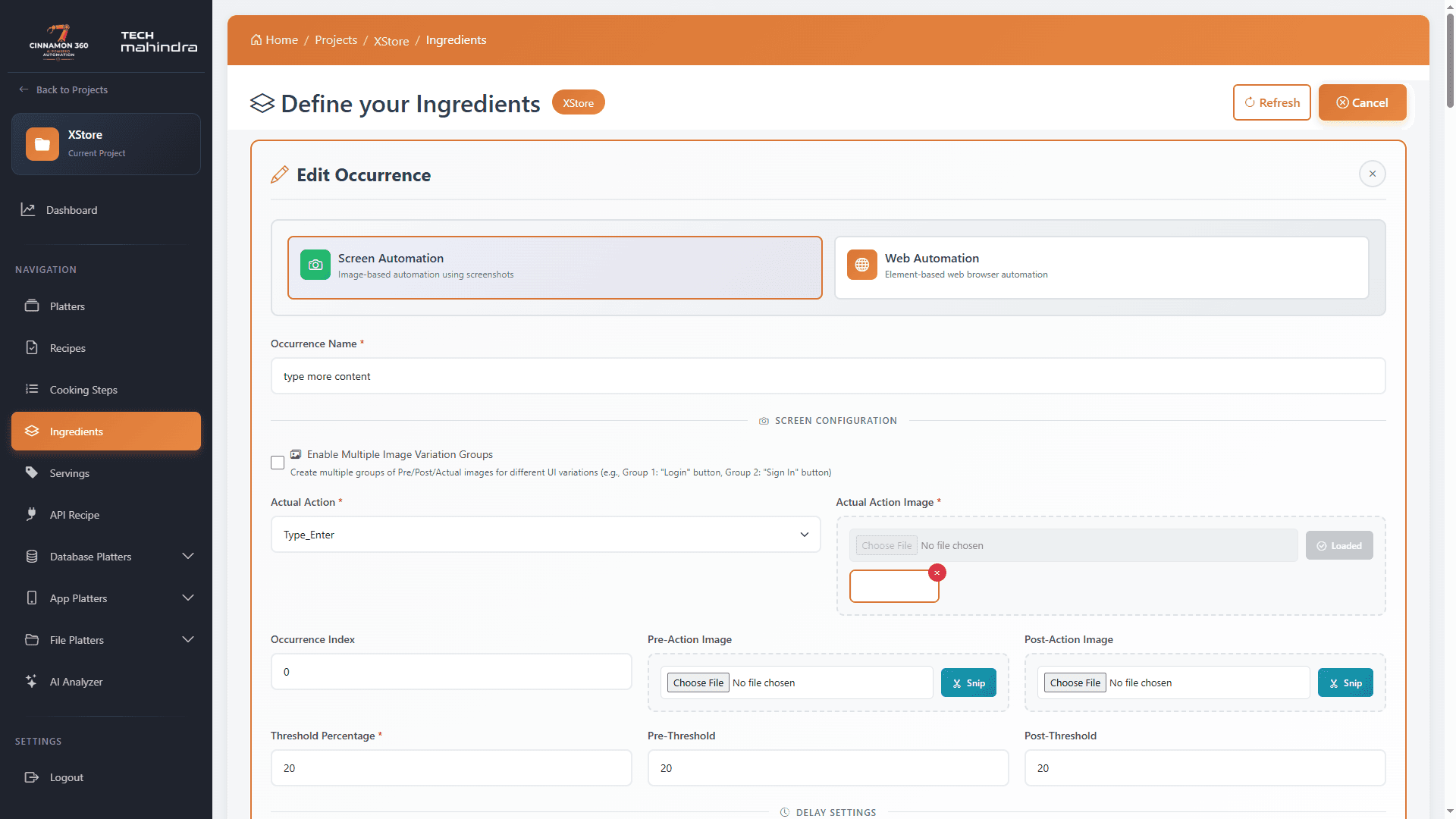
Automate thick-client, Windows and legacy UI applications with visual element recognition — no accessibility tree, no source access, no brittle object maps required.
Full capability list
Everything desktop automation ships with.
17
- 01Visual element recognition
- 02Configurable image similarity threshold
- 03Click, double-click and right-click actions
- 04Text entry and multi-field input
- 05Enter-key and Tab-key automation
- 06Advanced screen scrolling
- 07Image wait and synchronization
- 08Pre-action image validation
- 09Post-action image validation
- 10Screenshot capture on success/failure
- 11Multiple matching-image detection
- 12Target specific image occurrences by index
- 13Consistent visual match ordering
- 14Deep image comparison validation
- 15Configurable pre- and post-action delays
- 16Dynamic test data support
- 17Desktop app and legacy UI automation
Let’s automate what matters
Your next release.
A better test journey.
Bring your applications, your devices and your hardest testing problem. We will show you where Cinnamon360 fits — and where it does not.
No credit card required · Plans from $49/month · ankit@trandata.co.in